Build AI Bot systems that run your business and make you money, while you approve every step.
I built a team of AI Bots that drafts my products, prepares my business work, and runs on a schedule. In three guides, I show you how to build yours: a product team, a business team, and one CEO Bot that runs them all. Your Bots do the work. You say yes.
Premium Bundle: $69. Includes everything: all three guides, the Command Center (available with the Premium Bundle), and 4 add-ons: 3 Starter Team Kits, 20 routine recipes, 47 fixes, and a 23-check compute saver.
No coding. A Prompt Builder sheet writes each Bot's prompt for you. Day one, after a little prep: your product team built and your first draft back in about 60 minutes.
What you need: the Grok Bot app on a paid plan. Guide 1 says the cheapest plan that includes it is Premium, at $30 a month. You'll also need a computer, your phone nearby, and a separate Google account for your team. More on what you need
Why a team, not one chat
One chat window is costing you hours
If you build products in one chat, you fix the same mistakes over and over, and every change rewrites the whole thing. In my own test, an instructional designer compared lessons without knowing which was which. She ranked a lesson my Bots made from one short paragraph above one I spent about 4 hours on in a single chat. One judge and one lesson, not a study, but it's why I teach you to build a team.
No Bot grades its own work. The Builder makes it, and someone else reviews it.
Small changes stay small. You can ask for one change without the whole thing being rewritten, a common problem with a single chatbot.
Rules usually stay put. Each Bot saves its job and rules to memory, so you usually don't explain them again.
It usually gets faster. Once the first product is right, your Bots usually make similar products with very few edits.
Why now
Most businesses already use AI. Few have built it into how they work.
Nearly nine in ten organizations use AI regularly, and 40% of large organizations are scaling AI agents, up from 27% a year earlier. McKinsey, The State of AI in 2026
Using AI is common now. A team of Bots that does real work while you approve it is still rare. That's the gap I built these guides to close.
The whole system
How the three guides fit together
I wrote each guide to build on the last. By the end, one CEO Bot runs every team, and your main job in the daily flow is to approve.
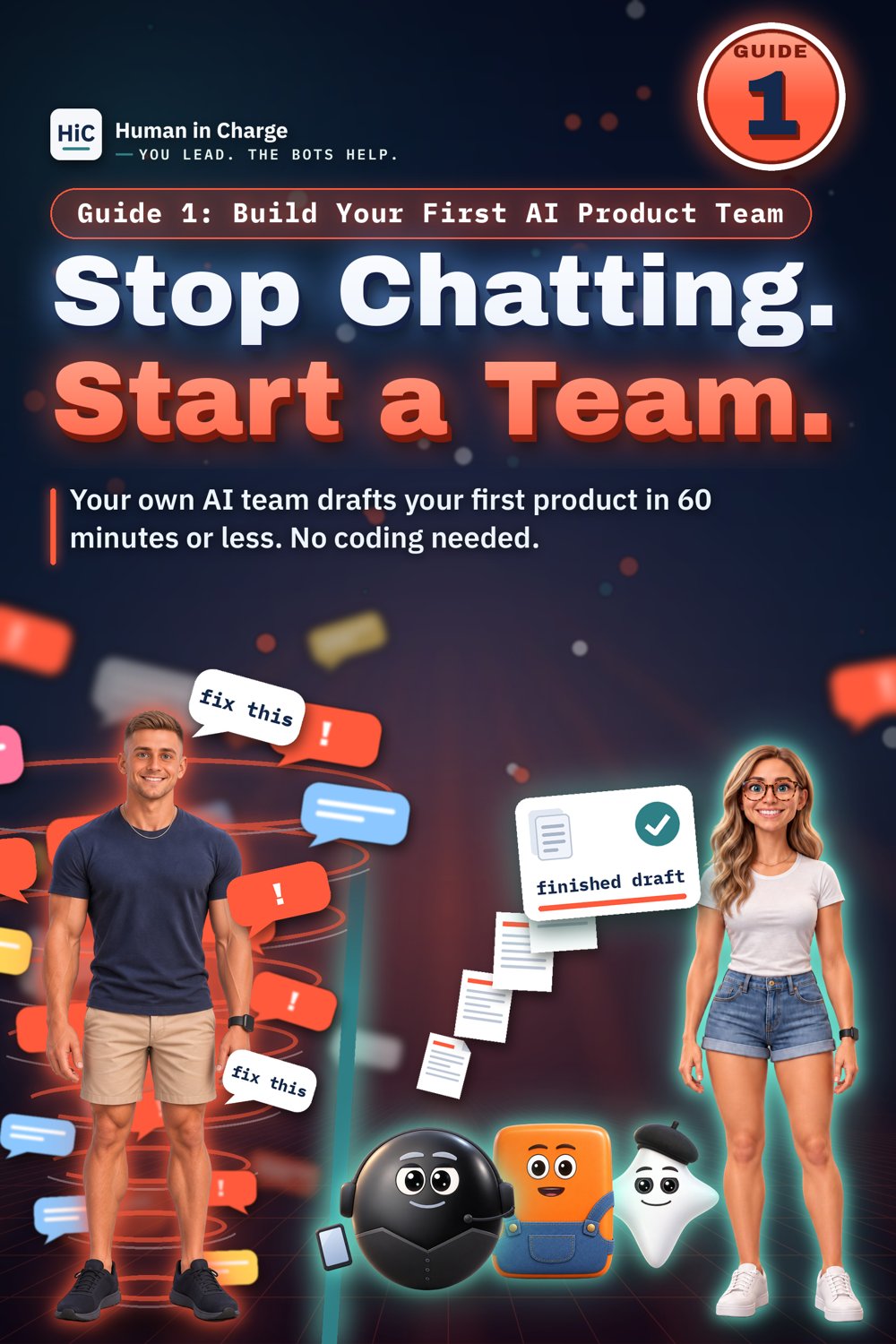
Guide 1: your product team. A Manager, a Builder, and a Reviewer draft your first digital product.
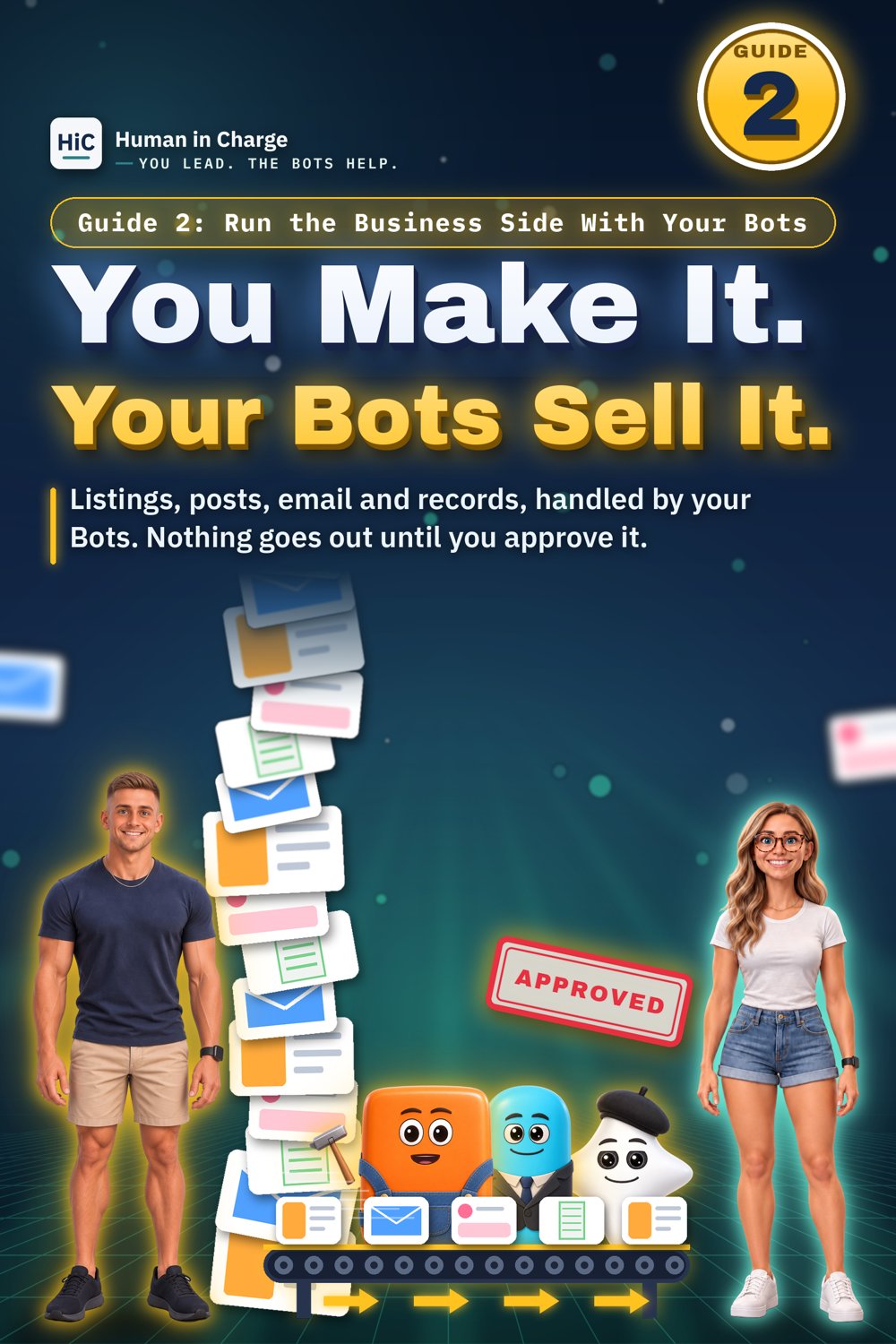
Guide 2: your business team. Add Bots for your listings, posts, email, and records.
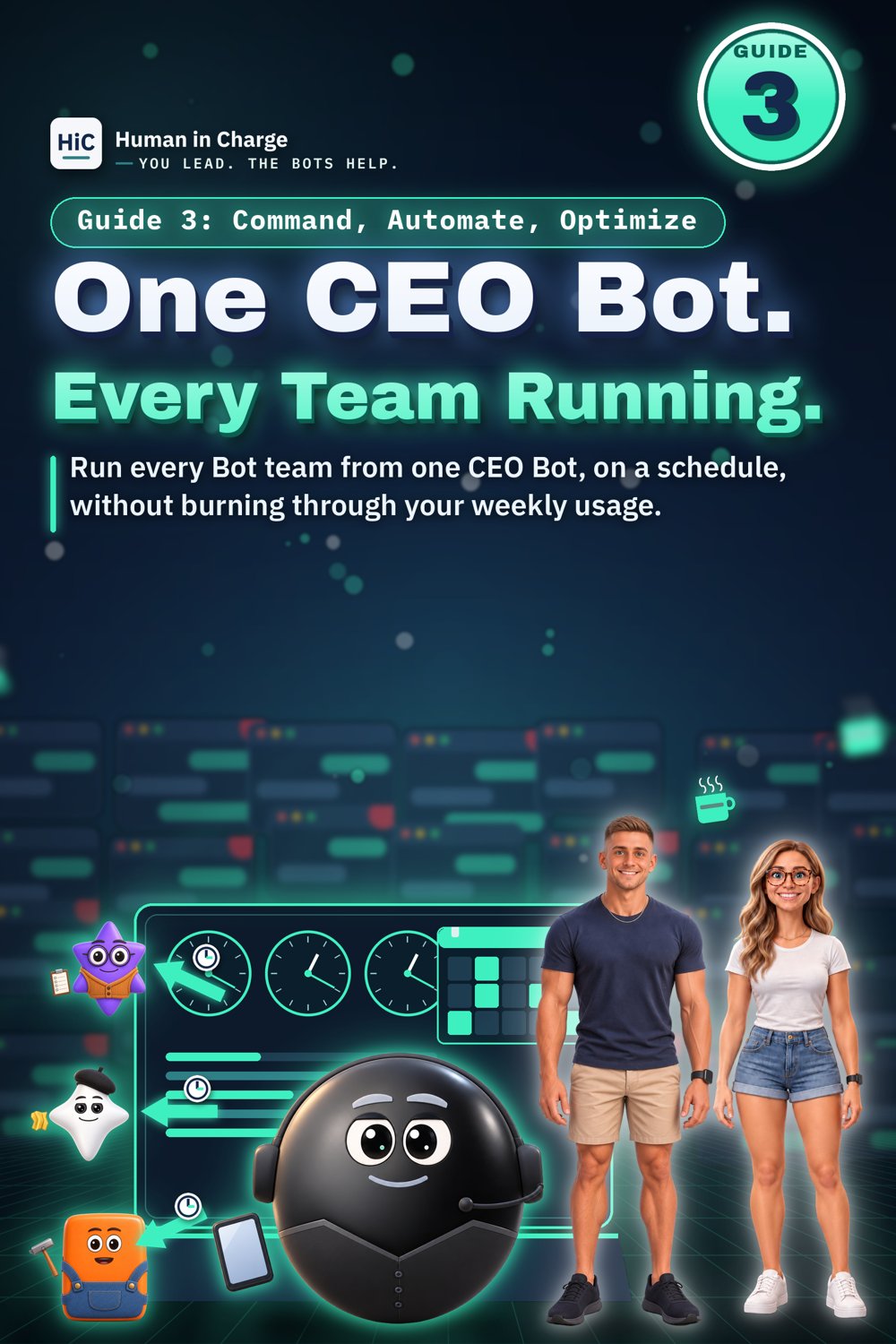
Guide 3: command and automation. A CEO Bot hands work to each team's Manager, and routines run the work on a schedule.
You stay in charge. Products and anything that goes public wait for your approval phrase. Spending, prices, and buyer replies always wait for you.
Words you'll see
Bot
One AI helper with one job, like Manager, Builder, or Reviewer.
Prompt Builder
A Google Sheet. You fill in its Start Here tab, and it writes each Bot's prompt for you.
Approval phrase
Your own phrase. Nothing gets carried out, published, sent, or paid for until you say it.
Kickoff message
The one message that starts a product: what to make, who it's for, its limits, your rules, and examples.
First Look Bot
An optional outside Bot that plays a first-time member of your audience and tries your product.
CEO Bot
A Bot whose only job is to run your teams. It hands work to each team's Manager and brings you one decision at a time.
Routine
A saved task that repeats on a schedule, or runs when something happens.
Daily review packet and roll-up
Your CEO Bot puts all finished work into one packet before your review time. The roll-up is the daily summary it sends from a routine.
Compute
The computing power your Bots use while they work. Your plan pays for it.
Watch the overview
See the system in about 80 seconds
The guides
What each guide teaches, and what you get
GUIDE 1
Build Your First AI Product Team
Build your team and have your Bots draft your first product in about 60 minutes.
What it teaches
Build a small team of Bots: a Manager, a Builder, and a Reviewer, plus an optional outside First Look Bot.
Set up a separate team Google account, Drive folders, and connected apps.
Send your first kickoff message, then review the draft with a checklist.
Selling your products: common pitfalls, store AI rules, and copyright basics.
What you get
The 29-page step-by-step guide (PDF).
The Guide 1 Prompt Builder, a Google Sheet that writes each Bot's prompt for you.
Time: About 60 minutes to build your team and get your first draft back.
Delivery: an instant PDF download after checkout. The guide links to its sheet, the Prompt Builder, and you make your own copy.
GUIDE 2
Run the Business Side With Your Bots
Set up Bots that handle your listings, posts, email, and records, with you approving everything that goes out.
What it teaches
Add a business team for listings, posts, your website, your email list, and records of spending and income.
Login setup day: sign in for your Bots yourself, so they never see your passwords.
Who does what: your Bots draft, and you approve what goes out under your name.
What you get
The 26-page step-by-step guide (PDF).
The Business Prompt Builder, a Google Sheet that writes each business Bot's prompt for you.
Time: A couple of hours to set up, spread over your first day or two. After that, 10 to 20 minutes a day to review and approve.
Delivery: an instant PDF download after checkout. The guide links to its sheet, the Business Prompt Builder, and you make your own copy.
GUIDE 3
Command, Automate, Optimize
Run your Bot teams from one CEO Bot, put them on a schedule, and use less compute.
What it teaches
Part 1: make a CEO Bot that hands work to each team's Manager and brings you one decision at a time.
Part 2: routines that do the work on a schedule, a daily review packet, and publishing tools that post only after you approve.
What to do when a routine fails: pause first, fix second.
Ways to save compute and keep things running.
What you get
The 31-page step-by-step guide (PDF).
The CEO Bot Builder, a Google Sheet that writes your CEO Bot's prompt and its messages for you.
Time: Part 1 takes about an hour. Part 2 takes 3 to 4 hours of work, spread over 2 to 3 weeks.
Delivery: an instant PDF download after checkout. The guide links to its sheet, the CEO Bot Builder, and you make your own copy.
In the Premium Bundle
The Command Center
The Premium Bundle teaches you to build your own Command Center, based on the one my own Bot teams run on, in your own custom design if you want. Watch mine work: approvals on your phone, every team on one chart, and every product and job in one place.
Approve work from your phone, then check jobs and the live feed.Every team on one chart, with each Bot's latest work.
Every product and job: done, in progress, and planned.
What you get: the steps to build your own Command Center, in your own custom design if you want. When Guide 3 mentions the Command Center, this is what it means, and it comes with the Premium Bundle.
How you get it: after checkout, Payhip gives you an instant download: the guide PDFs and the Premium add-ons zip (the Routine Recipes, Fix-it Playbook, and Compute Saver PDFs). Each Starter Team Kit is a Google Sheet: your download links to all three, and you click Make a copy to get your own. Each guide links to its Prompt Builder sheet (the Prompt Builder, the Business Prompt Builder, or the CEO Bot Builder), and you click Make a copy to get your own. The Command Center build steps come with your Premium Bundle.
Pricing
Get the Premium Bundle for $69
The 3-Pack Bundle is $49: all three guides. For just $20 more, the Premium Bundle includes EVERYTHING: the Command Center and four add-ons too. That's the one I recommend.
Pick the Premium Bundle if you want the Command Center plus the 3 Starter Team Kits (Teacher Seller, Etsy Print on Demand Shop, Coach), the 20 routine recipes, the 47 fixes, and the 23-check compute saver. Pick the 3-Pack Bundle if the guides are enough for you.
What's in the Premium Bundle ($69): Guide 1 (product team), Guide 2 (business team), Guide 3 (CEO Bot and routines), each guide's Prompt Builder sheet, and the Command Center, plus four add-ons: 3 Starter Team Kits (Teacher Seller, Etsy Print on Demand Shop, Coach), the Routine recipe library (20 recipes), the Fix-it playbook (47 fixes), and the Compute saver checklist (23 checks).
The Command Center: build your own, in your own custom design if you want
3 Starter Team Kits: Google Sheets for a Teacher Seller, an Etsy Print on Demand Shop, and a Coach. Each opens with a Start Here tab of full instructions. You fill in the Your Details tab once, and the prompts fill in automatically. The other tabs: Your Team, Prompts, First Week, Routines, Checks, Samples, and Pitfalls. The Etsy kit is for you if you already have an Etsy shop with a print partner connected. Its team researches popular items for your theme, builds the designs and listings, and runs everything past an outside First Look review before the Shop Manager gives you a recommendation and a posting plan.
Routine recipe library: 20 routine recipes you can copy and adjust.
Fix-it playbook: 47 fixes for when a Bot or routine goes wrong.
Compute saver checklist: 23 checks for using less compute.
Includes everything
Delivery: an instant download of the guide PDFs and the Premium add-ons zip (the Routine Recipes, Fix-it Playbook, and Compute Saver PDFs); links to copy your 3 Starter Team Kit Sheets
Already have the 3-Pack Bundle? Upgrade to the Premium Bundle for just $20. The upgrade adds the Command Center and the four add-ons: 3 Starter Team Kits (Teacher Seller, Etsy Print on Demand Shop, Coach), the Routine recipe library (20 recipes), the Fix-it playbook (47 fixes), and the Compute saver checklist (23 checks). You already have the guides.
Today: build your product team and get your first draft back, in about 60 minutes.
Next: add your business team for listings, posts, email, and records.
Weeks 2 and 3: set up your CEO Bot (about an hour), then your routines (3 to 4 hours, spread out).
After that: your main job is to approve.
Who this isn't for
If you want Bots that post, spend, or reply to buyers without you ever looking, this isn't for you. I built this so you approve everything that goes out. If you only want to try one team, start with a Single Guide, Guide 1, for $20 and come back.
No. A Prompt Builder sheet writes each Bot's prompt for you. You fill in its Start Here tab and paste. Where a step needs your domain in Cloudflare, Guide 2 shows you what to add and where.
How long does it take?
About 60 minutes to your first draft. If time is what's stopping you, start with Guide 1 tonight.
What else do I pay for?
The Grok Bot app on a paid plan. Guide 1 says the cheapest plan that includes it is Premium, at $30 a month. You'll also need a computer, your phone, and a separate Google account for your team.
Will my Bots post without me?
No. Products and anything public wait for your approval phrase. Spending, prices, and buyer replies always wait for you.
Can the Bots get things wrong?
Yes. They can be confidently wrong about numbers, prices, and policies. That's why you review everything before it's final.
How do I get everything after I buy?
After checkout, Payhip gives you an instant download of the guide PDFs. Each guide links to its Prompt Builder sheet (the Prompt Builder, the Business Prompt Builder, or the CEO Bot Builder), and you click Make a copy to get your own. The Premium Bundle also includes the Premium add-ons zip (the Routine Recipes, Fix-it Playbook, and Compute Saver PDFs), links to copy your 3 Starter Team Kit Google Sheets, and the Command Center build steps.
Can I start smaller?
Yes. Start with the 3-Pack Bundle ($49), which has all three guides. Upgrade to the Premium Bundle later for just $20 to add the Command Center and the four add-ons. The Premium Bundle now is the full set in one step.
The Grok Bot app on a paid plan. Guide 1 says the cheapest plan that includes it is Premium, at $30 a month.
A computer, and your phone within reach.
A separate Google account for your team.
A product you already know well.
Bots can be wrong
Bots can be confidently wrong about numbers, prices, and policies. You review everything before it's final, and someone who knows the subject should test it too.
The first product is the slow one
First drafts need you and the Bots going back and forth. The payoff comes with the second, third, and tenth.
Newsletter
Get one short tip a week
I'm Jake. I send one short email about running a Bot team: one job per Bot, and you approve what goes out. The paid guides are on this page. The free tools are at the bottom, each with a cover and a zip.
Free tools
Start with a free tool
Not ready for a guide yet? Start small. These free tools are not part of the Premium Bundle. Each one is a zip download.
FREE
Your First AI Helper
Set up one helper for one job. It drafts, and you decide.